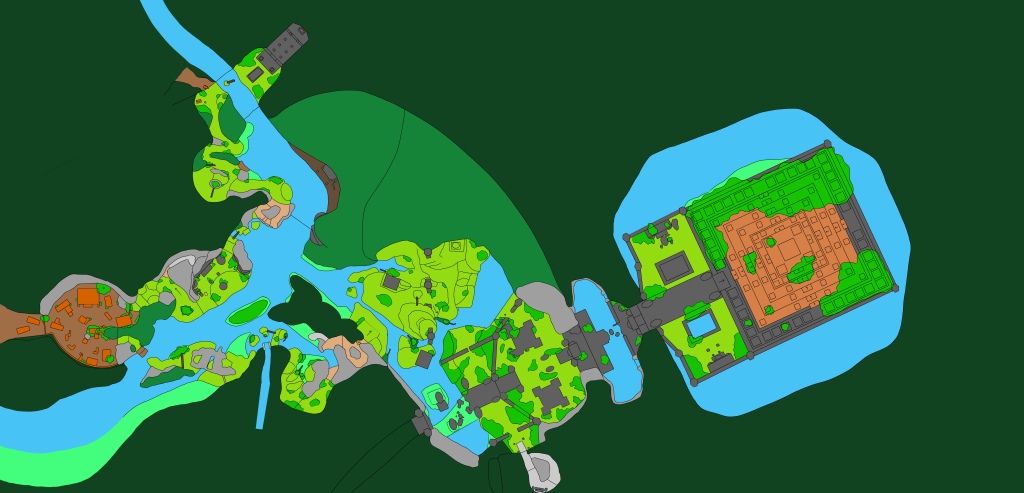
This week was spent working on designing the 2D map of the level and completing the level design document, experimenting with and learning to use the Advanced Locomotion System v4 adapted by Jakub W (2021) and setting up the unreal project. I started the week by working on gathering references as well as creating the 2D level map and the documentation to go with it, which can be seen in the previous post. With a clear vision of where I wanted to take the level, I moved on to setting up the unreal project.
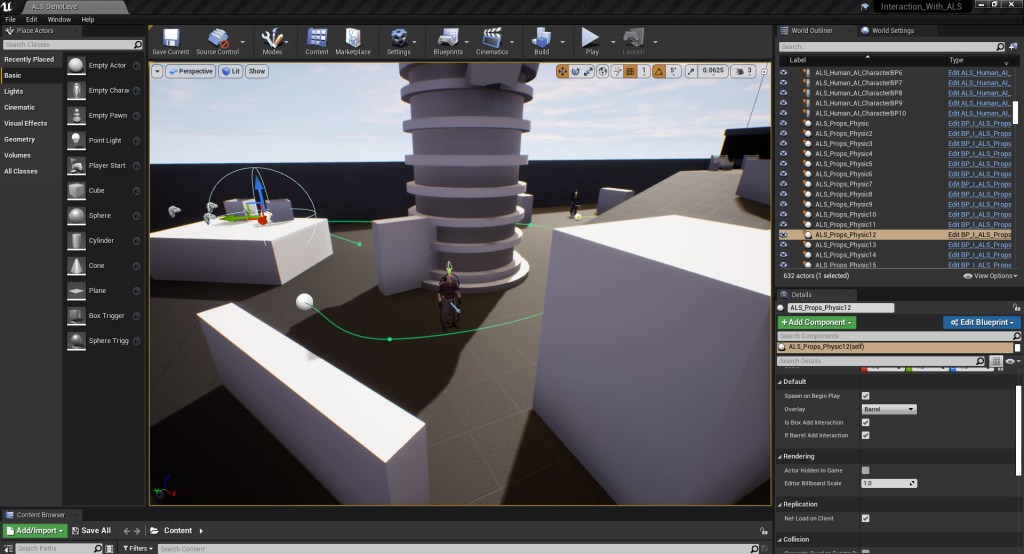
As my focus for this project is on level design and how cognitive mapping can be utilised in non-urban settings I have chosen to use an existing character controller and AI system created by Jakub W using the Advanced Locomotion System. The project file created by Jakub W features a fully working AI system that allows for patrolling enemies as well as a fully functioning character control that features mechanics like dynamic mantling, a full climbing system and a functioning rope swing. The project is available from Jakub W’s Patreon and while it is not a suitable system for creating a fully releasable game it is perfect for prototyping playable levels. The project itself doesn’t contain any documentation about how the systems work so I took the time this week to explore the projects. Taking the time to understand how the Character controller works, the height for jumps (fig 1.), climbing (fig 2.), using the AI waypoint (fig 3.) and props means that when I start building my level next week and turn my flat 2D map into a functional 3D space I will be aware of the limitations of the mechanics. The project files provide on Patreon include a Demo level which shows the different features of the project which meant I was quickly able to learn how the different parts of the project worked even with the lack of documentation. While parts of the project, particularly the climbing system, can be a bit temperamental at times the project itself is a very good base for me to work off and allows me to start blocking out and playing my level straight away without having to set time aside to develop my own character control, AI and climbing system.


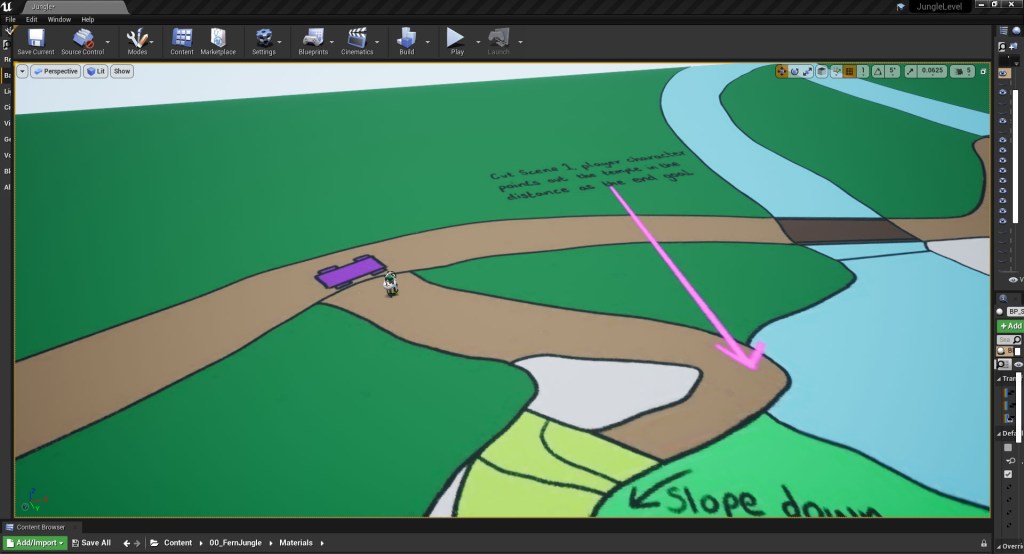
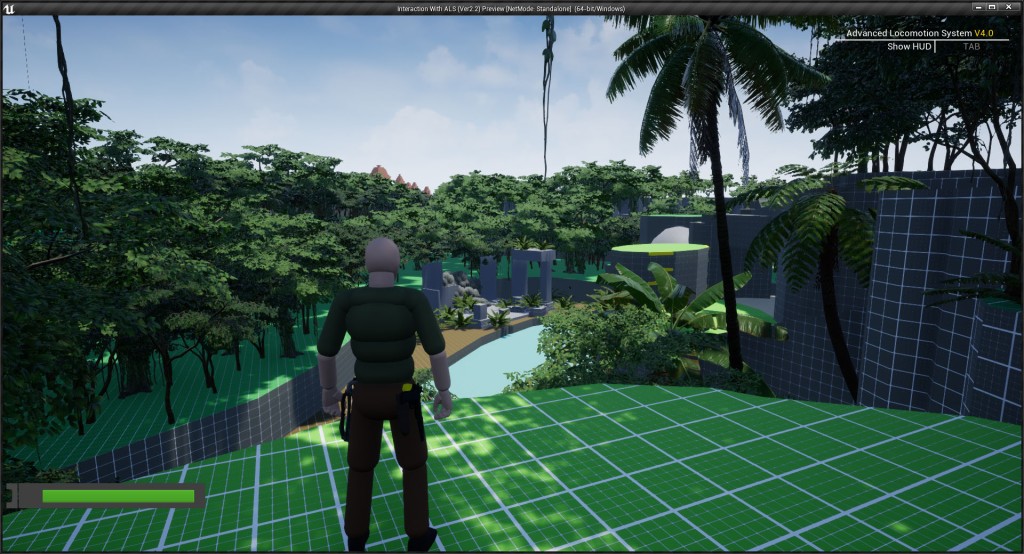
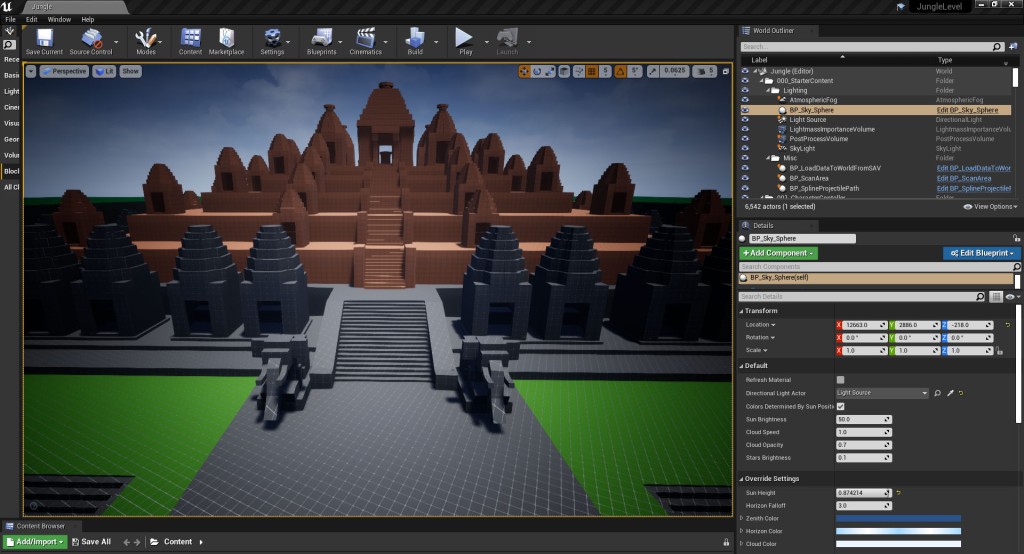
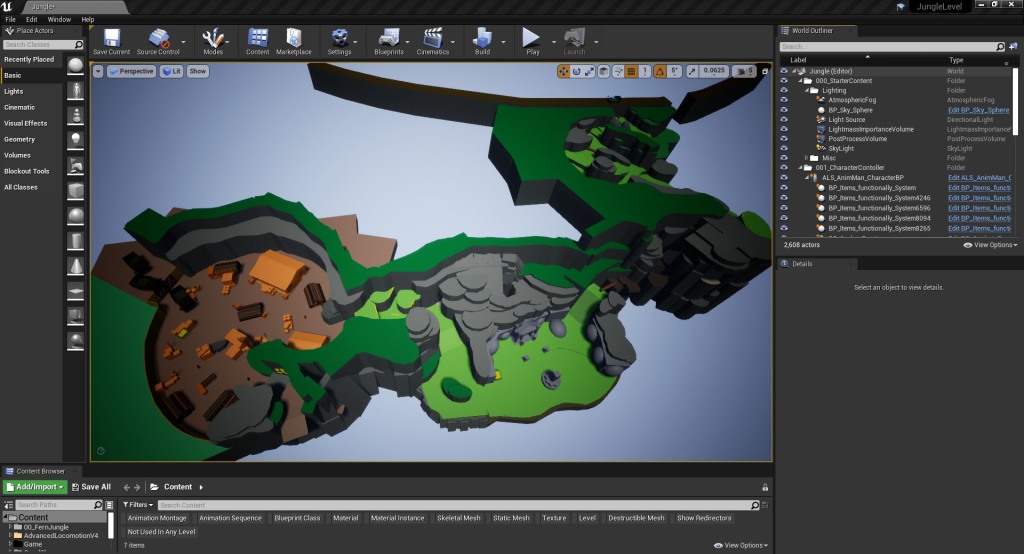
With an understanding of the character controller and other systems that I will be using to create my level with, I moved on to setting up my project in unreal. I started by importing the 2D map into the project and setting up a map material (fig 4.) so that I could apply the map to a scaled cube within the scene and build the level topology on top. With the map set up in the scene, I imported the character into the scene and using the character model as a scale reference, scaled up the map to the desired size. I then tested out the scale of the map by running the character through the level to make sure the size of the paths and districts felt right (fig 5.).

“Game design isn’t just a technological craft. It’s a twenty-first-century way of thinking and leading”
Jane McGonigal (2011)
References:
JAKUB W PATREON. 2021. “Interaction With ALS – Version 2.2 (Project Files – Only 4.26) + Info” Patreon [online] Available at: https://www.patreon.com/posts/interaction-with-64514658 [Accessed 10th June 2022]
MCGONIGAL, Jane. 2011. Reality Is Broken: Why Games Make Us Better and How They Can Change the World. London: Jonathan Cape.
Figures:
Figure 1: Screengrab from Jakub W’s Advanced Locomotion System’s Demo level showing the mantle heights
Figure 2: Screengrab from Jakub W’s Advanced Locomotion System’s Demo level showing the AI and climbing system
Figure 3: Screengrab from Jakub W’s Advanced Locomotion System’s Demo level showing the AI enemy waypoints
Figure 4: Screengrab from my Jungle level showing map material set up
Figure 5: Screengrab from my Jungle level showing map and character added to the level
 Fern Griffiths
Leave a comment